
Guides
How to Take a 360° Panorama Photo with Your Phone
Choose a capture mode, turn on the spot, overlap each photo by about a third and let the app stitch them. Here is the full workflow and how to avoid the usual problems.
5 min read
Capture panoramic photos, build interactive virtual tours and turn your spaces into immersive experiences with Panorama 360.
Needs Android 10 or later with a back camera and motion sensors. Results vary by phone and scene.
This is a real interactive panorama viewer showing a sample image, so you can see what “exploring every angle” means.
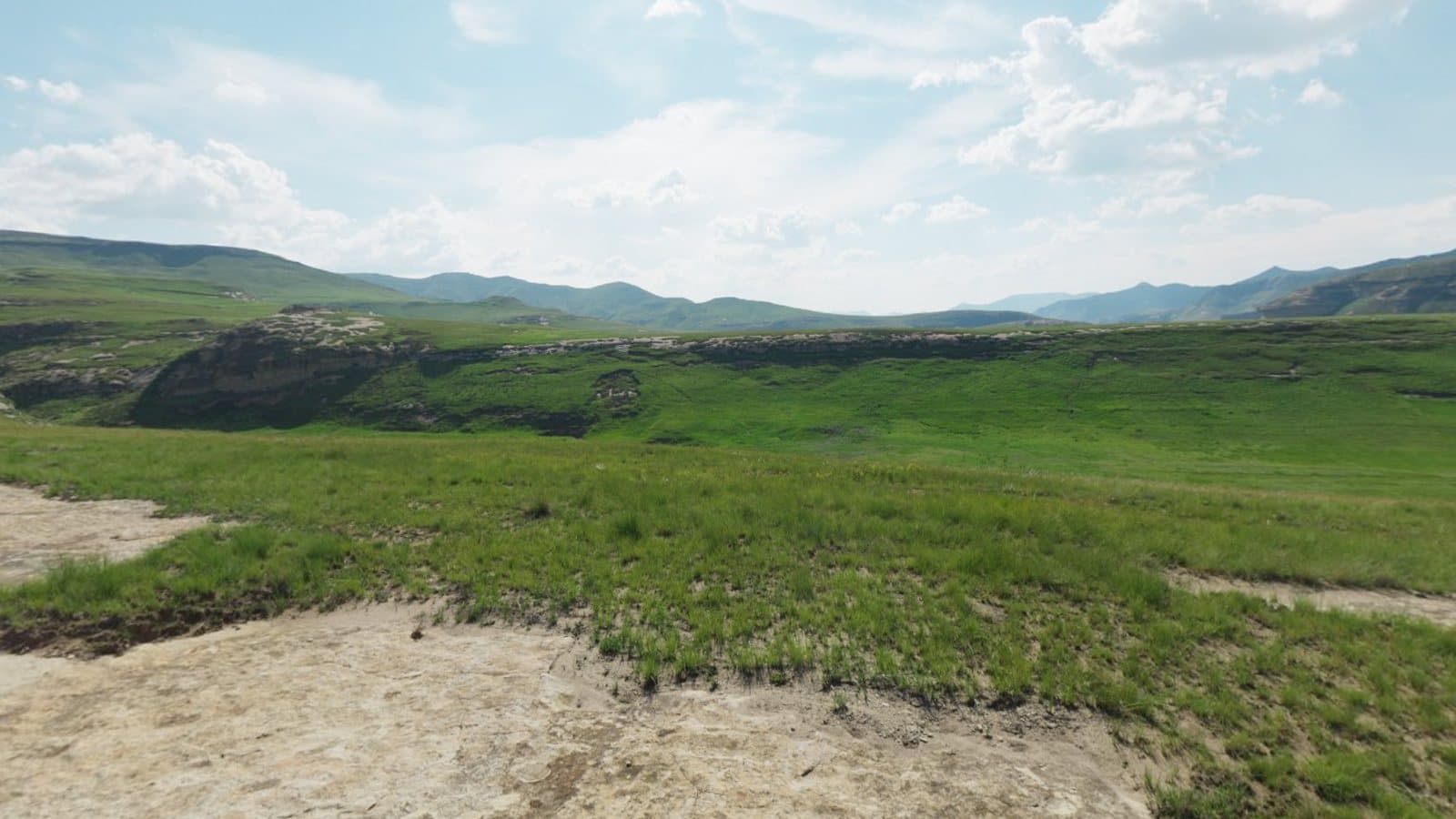 Drag to explore
Link your scenes so people can move from room to room, tap information points and contact you. Build it step by step in the app; it is saved on your phone as you go, so it works offline.
Hosted share links and QR codes are planned and are not available yet. Studio can already export a tour package you host yourself.
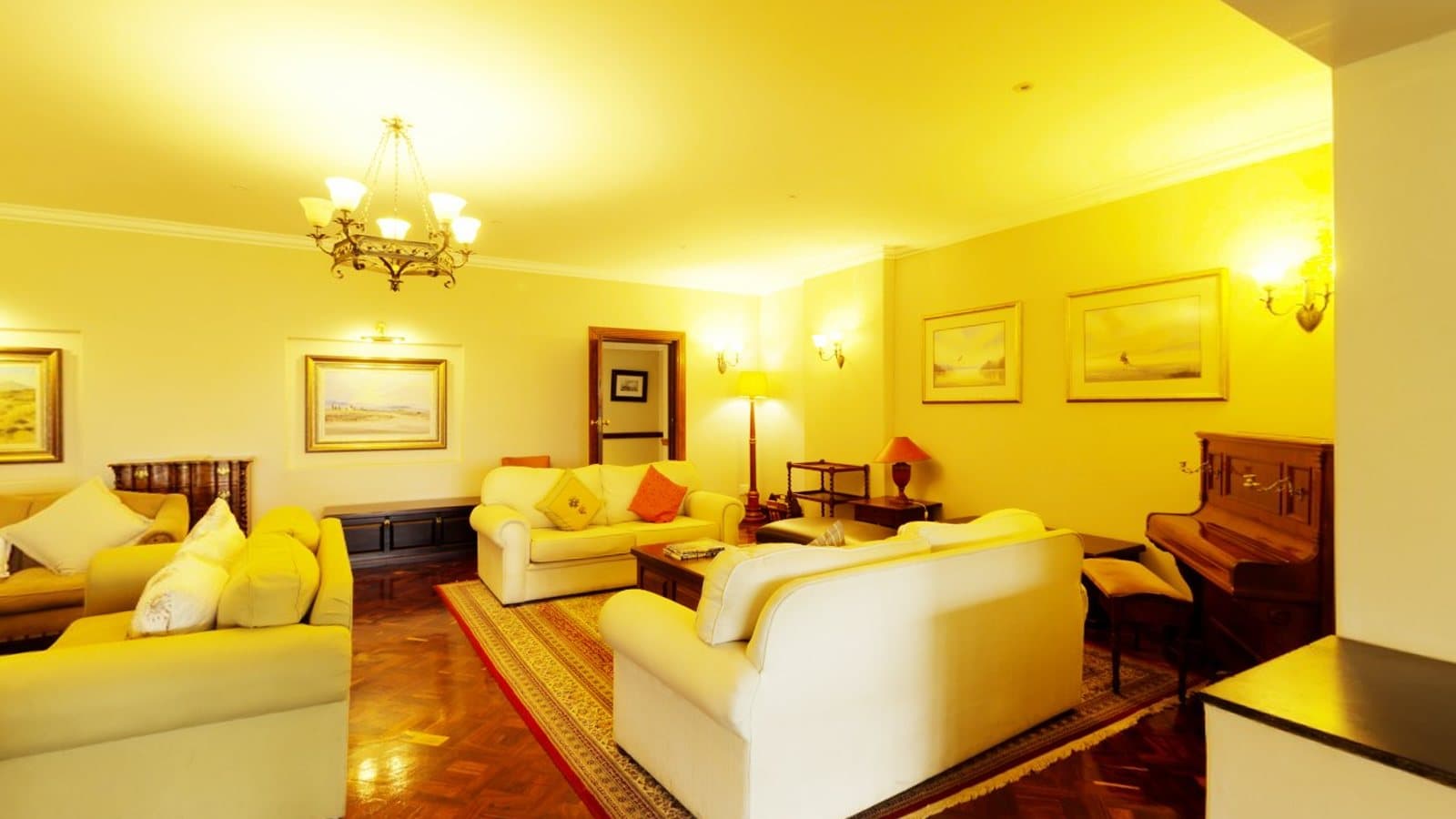
See also 360° for real estate and 360° for hotels.
What the app does today, and what is still planned. Planned features are labelled and are not available yet.
On-screen markers, a level indicator and a coverage map show where to point next. Photos are taken automatically when you hold still, or manually.
One full turn around you, usually about 10 to 14 photos, saved as a 360° panorama without floor and ceiling.
Several rings plus floor and ceiling shots for a complete 360° × 180° sphere. Incomplete spheres are never labelled as complete.
Photos are aligned with the phone's motion sensors and image matching, exposure-matched and blended on your device.
Look around in an interactive viewer, set the start view, level, crop and adjust colour, then save or share a JPEG with spherical metadata.
Pin notes to points of interest and link one panorama to another by hand, on every plan.
Guided steps to add scenes, order them, link them with navigation hotspots, add information points and preview the tour. Built and saved on your phone, even offline.
Planned: publish a tour to a shareable link with a QR code. Needs hosting that is not switched on yet, so it is not available today.
Planned: titles, tags and accessible descriptions generated from your panorama, with the credit cost shown first.
Planned: captions, website copy and structured property-listing text based on your photo and the facts you provide.
Planned: optional AI enhancement and promotional images. Edits are saved as new versions and never replace your original.
Learn more: the 360° panorama camera app, spherical panoramas and how stitching works.

Capture 360° scenes with guided prompts, or add panoramas you already have. Flat photos are labelled as flat, never passed off as 360°.
Tap the picture where a doorway or path is and link it to another scene. Links are placed by you; the app never guesses.
Add points with a title, a description, an optional photo and a link, plus an optional enquiry button for your business.
Walk through the tour on your phone. Hosted links and QR codes are planned; until then, Studio can export a package you host yourself.
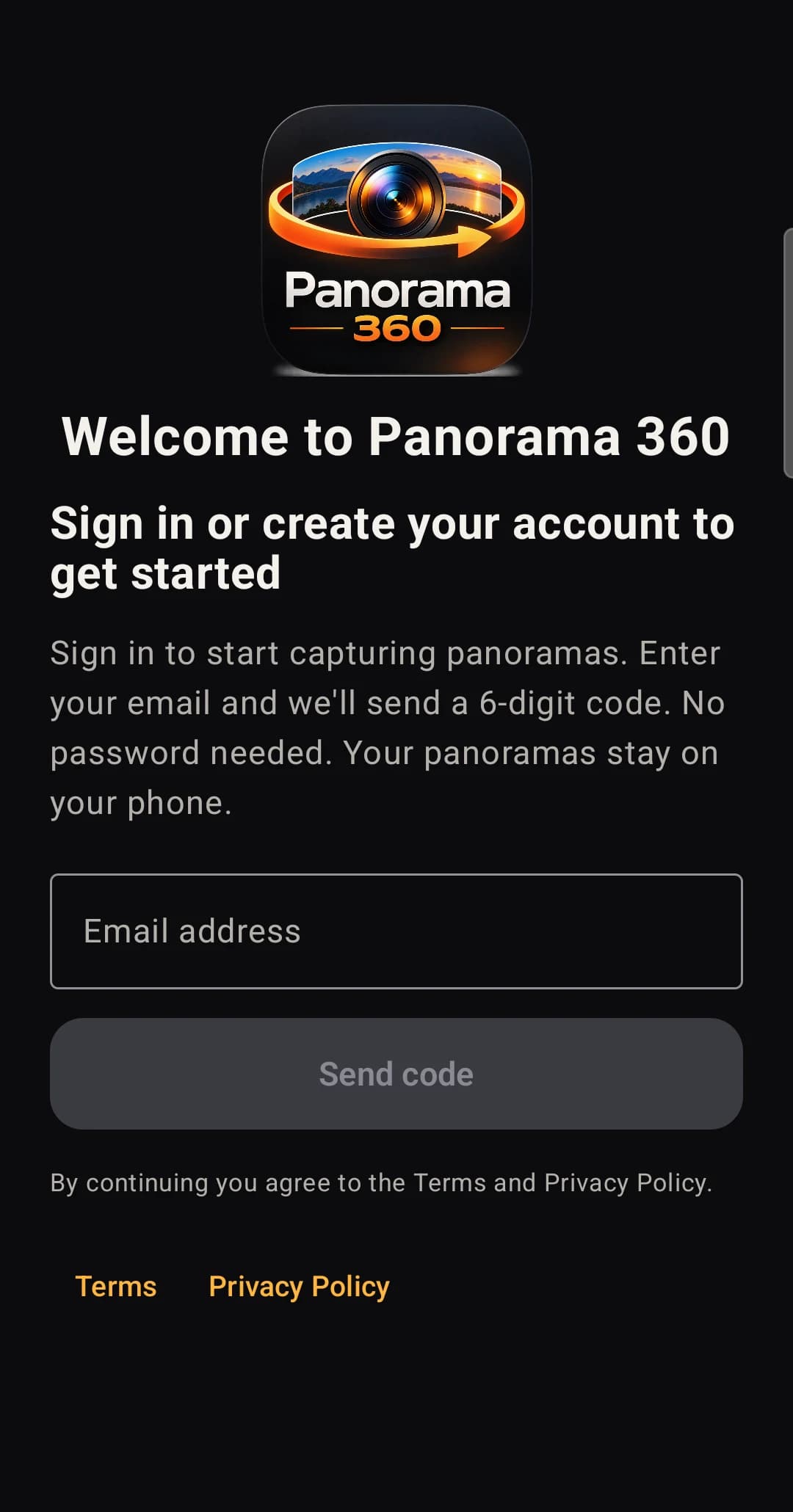
Sign in with an emailed code
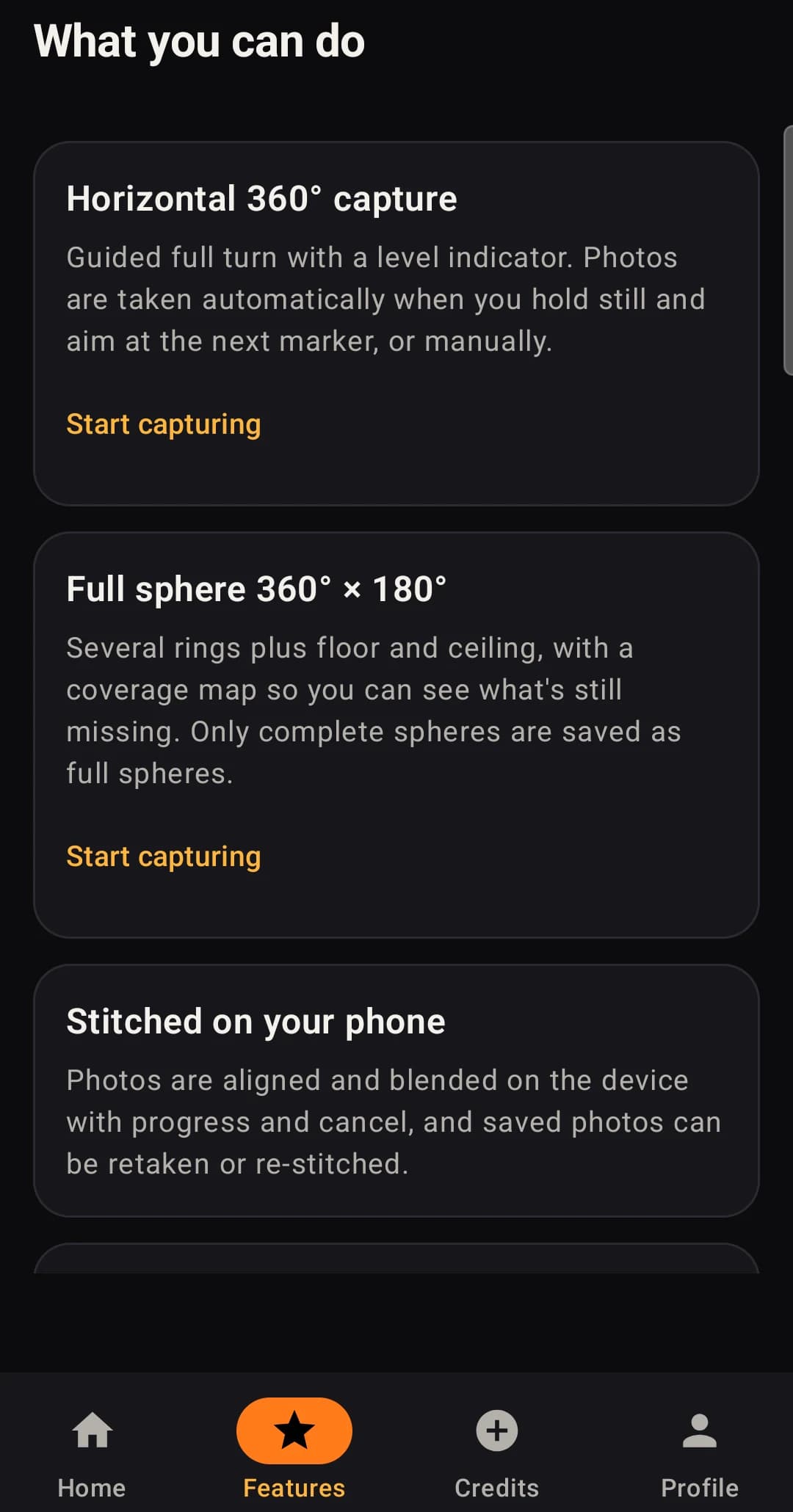
The Features tab
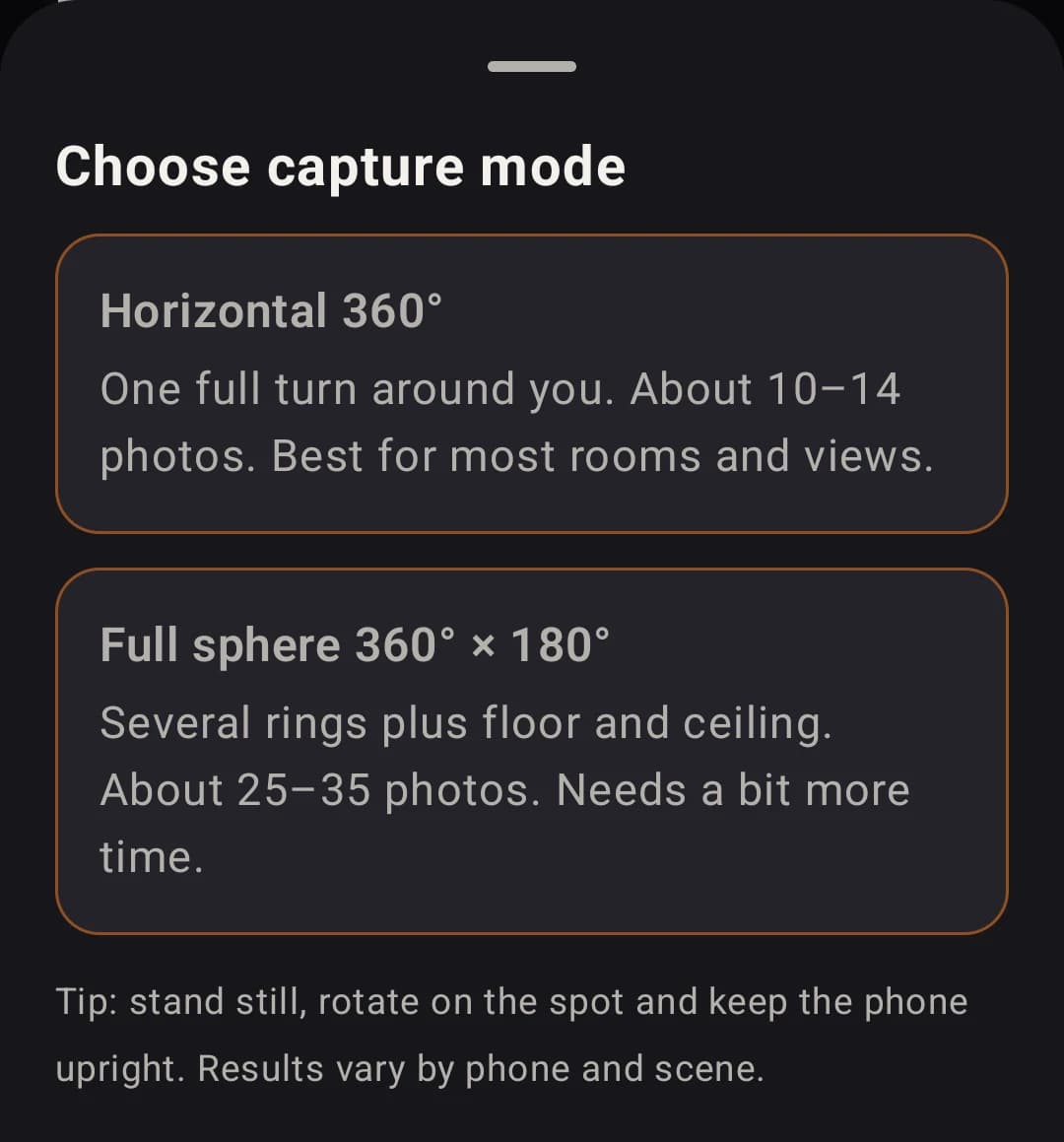
Screens from an early Android build; the final app may differ.
These are possible uses, not promised results. Good outcomes depend on the scene, the lighting and your technique.
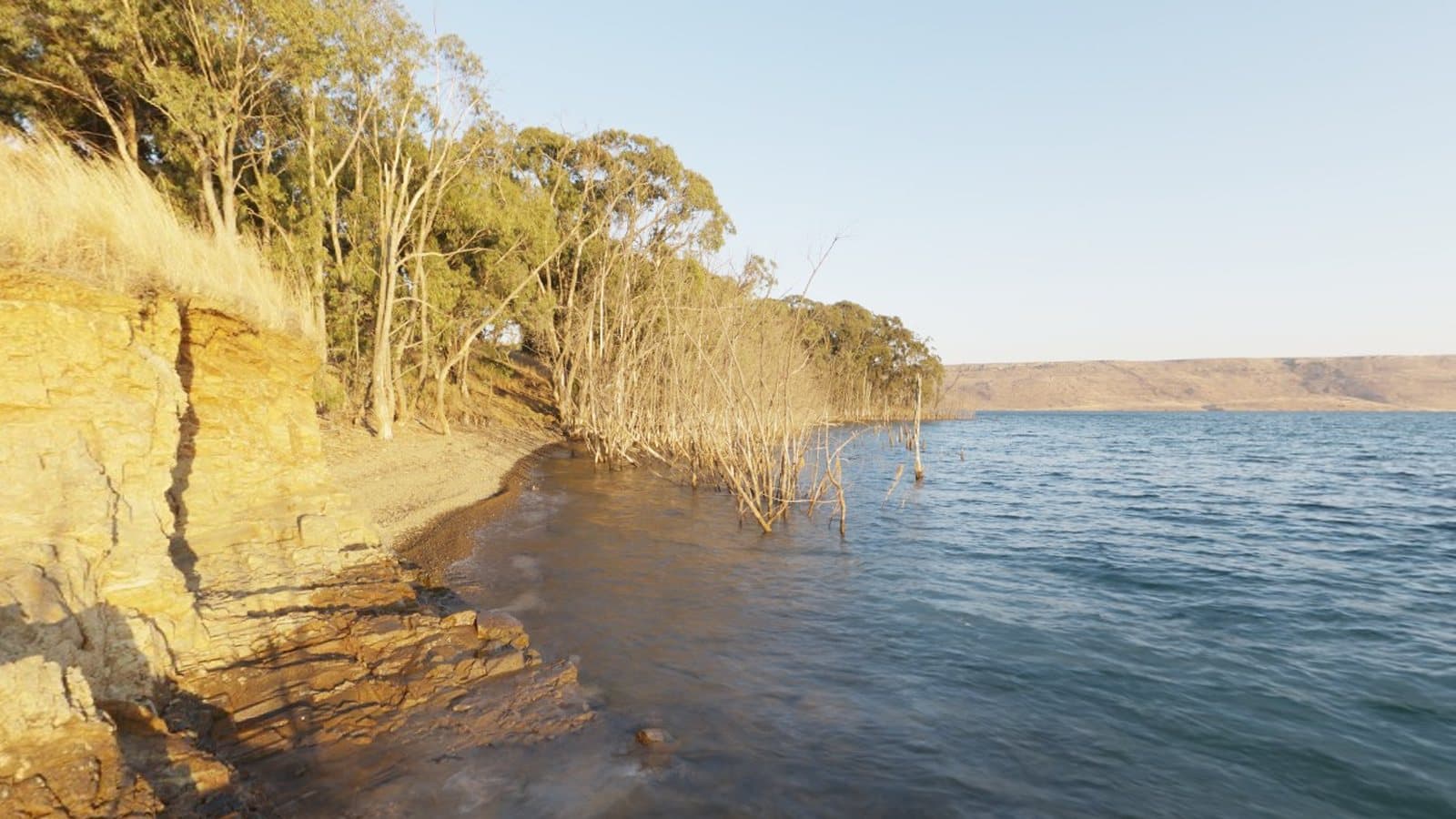
Keep the whole view, not just one frame of it.
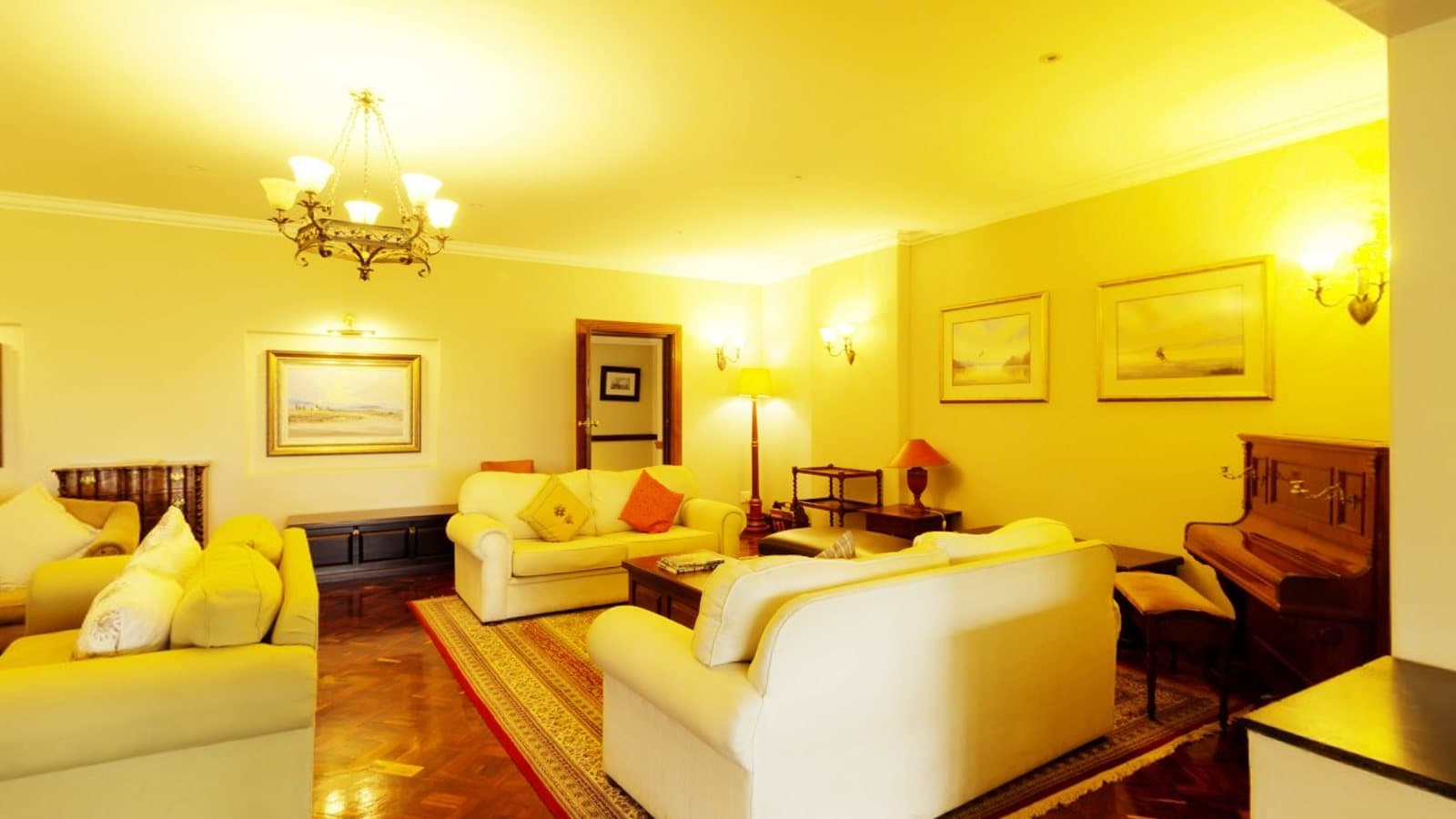
Show how rooms connect to each other in one wide view.
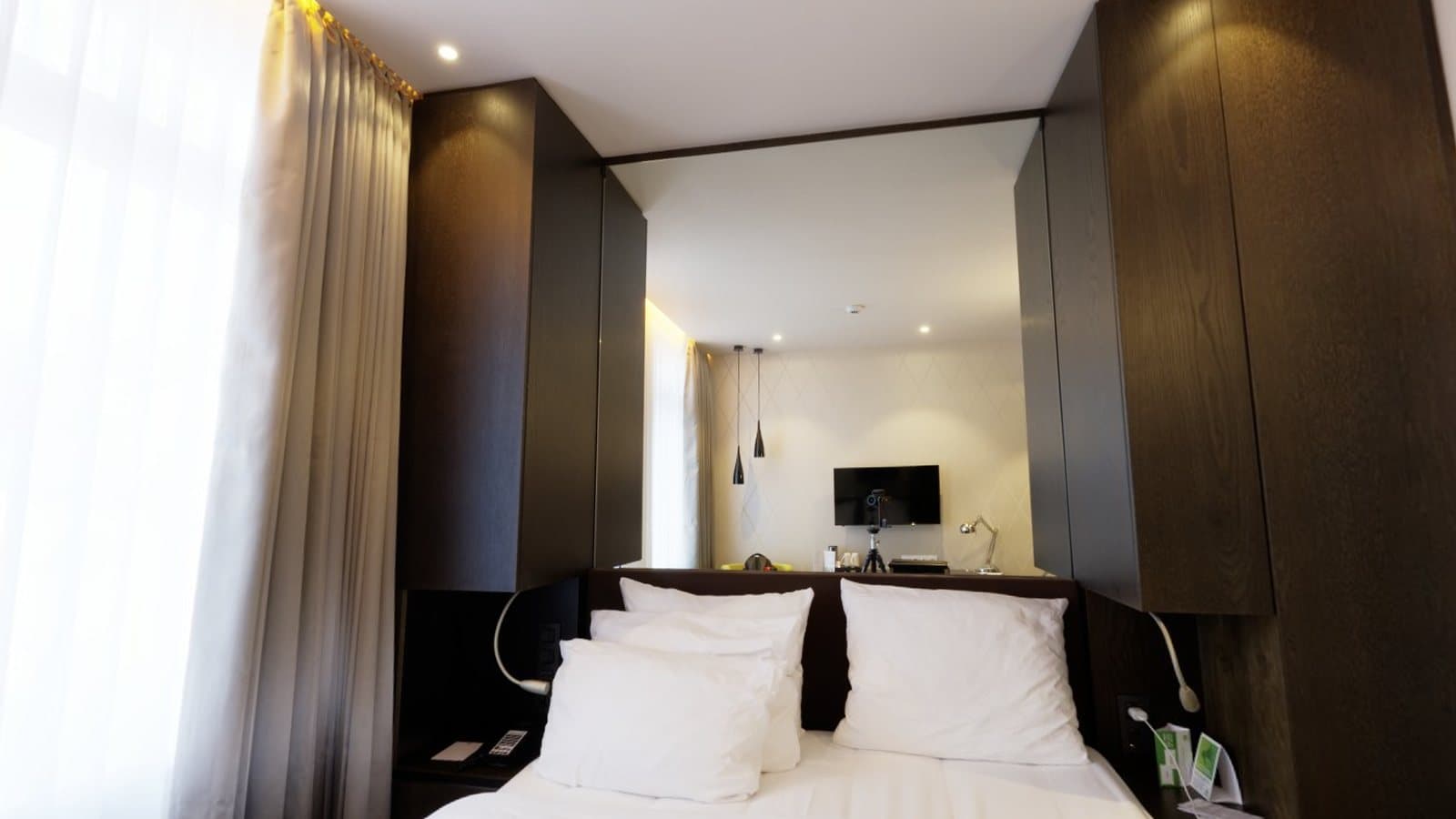
Present rooms, lobbies and venues from the middle of the space.
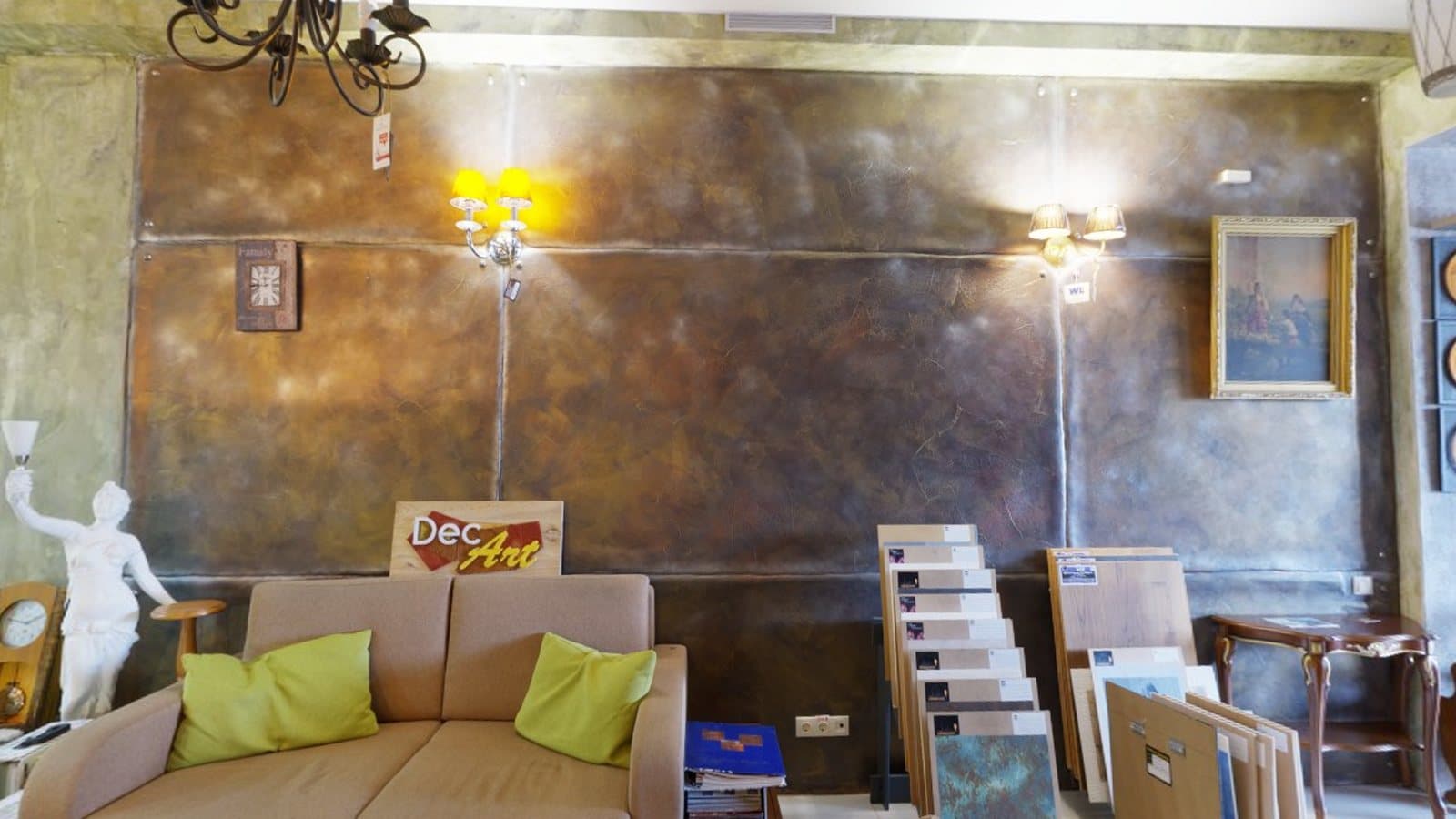
Let visitors see a showroom floor before they visit.
Capture a space before and after a project.
Experiment with wide scenes and equirectangular images.
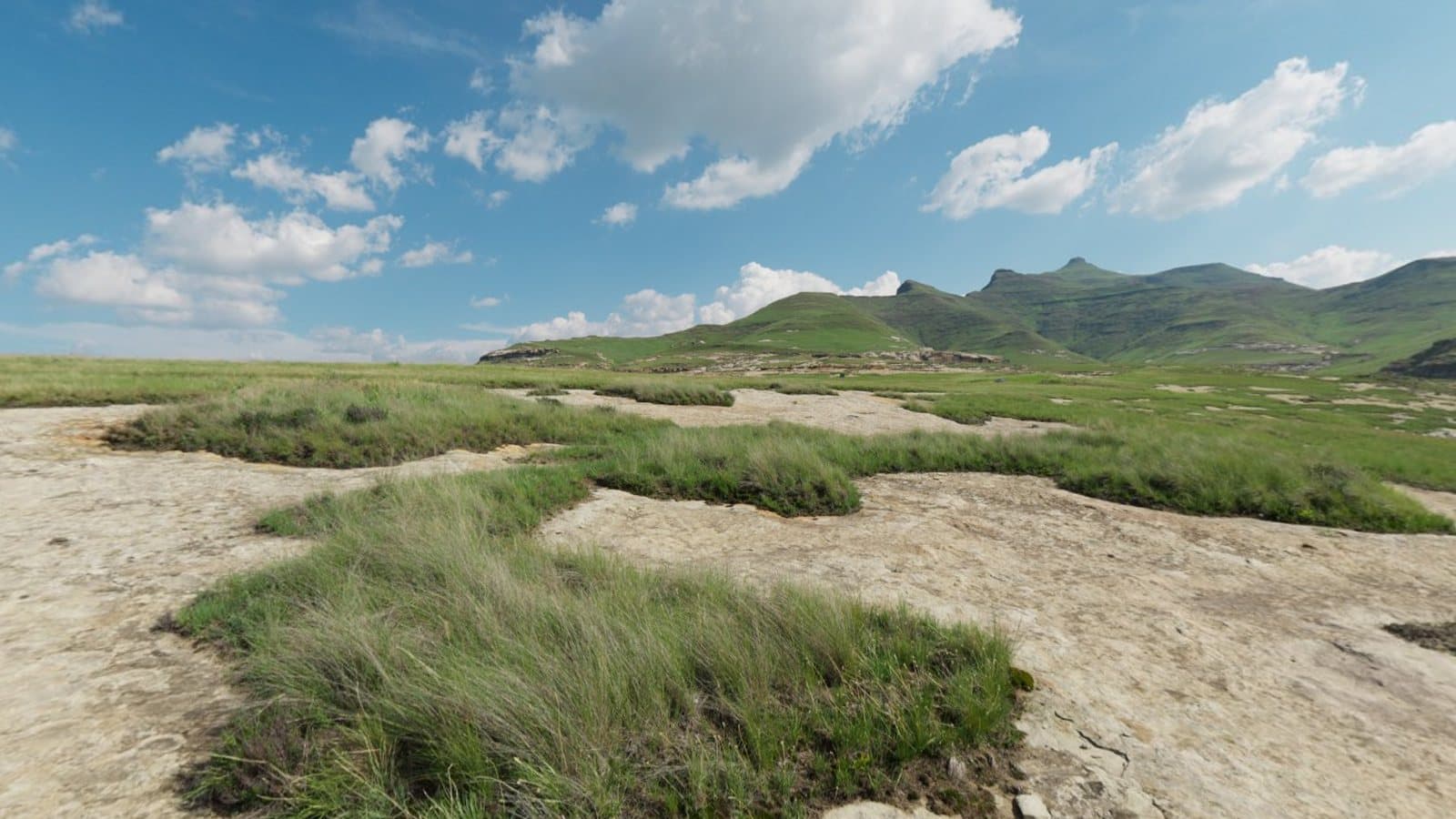
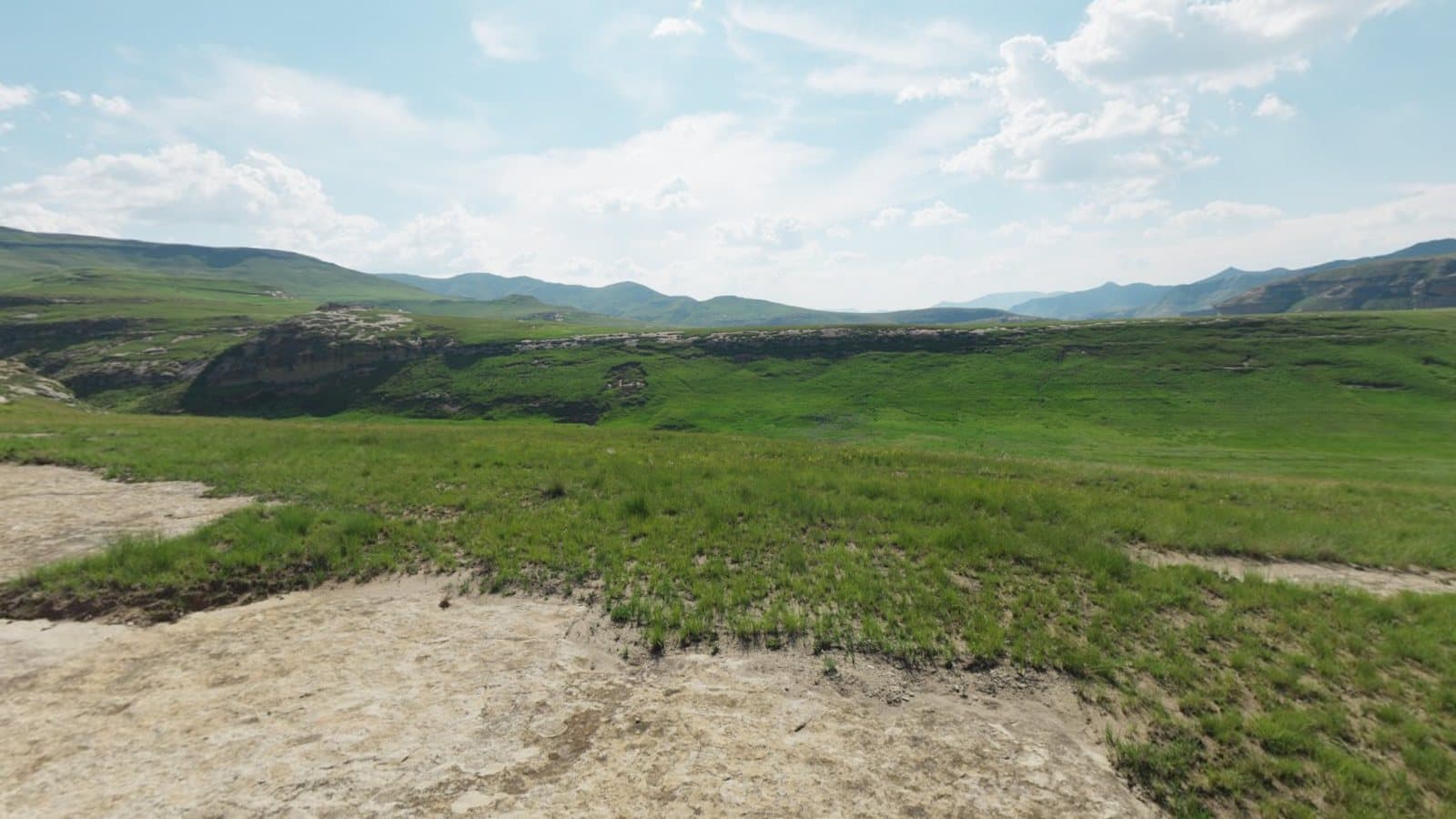
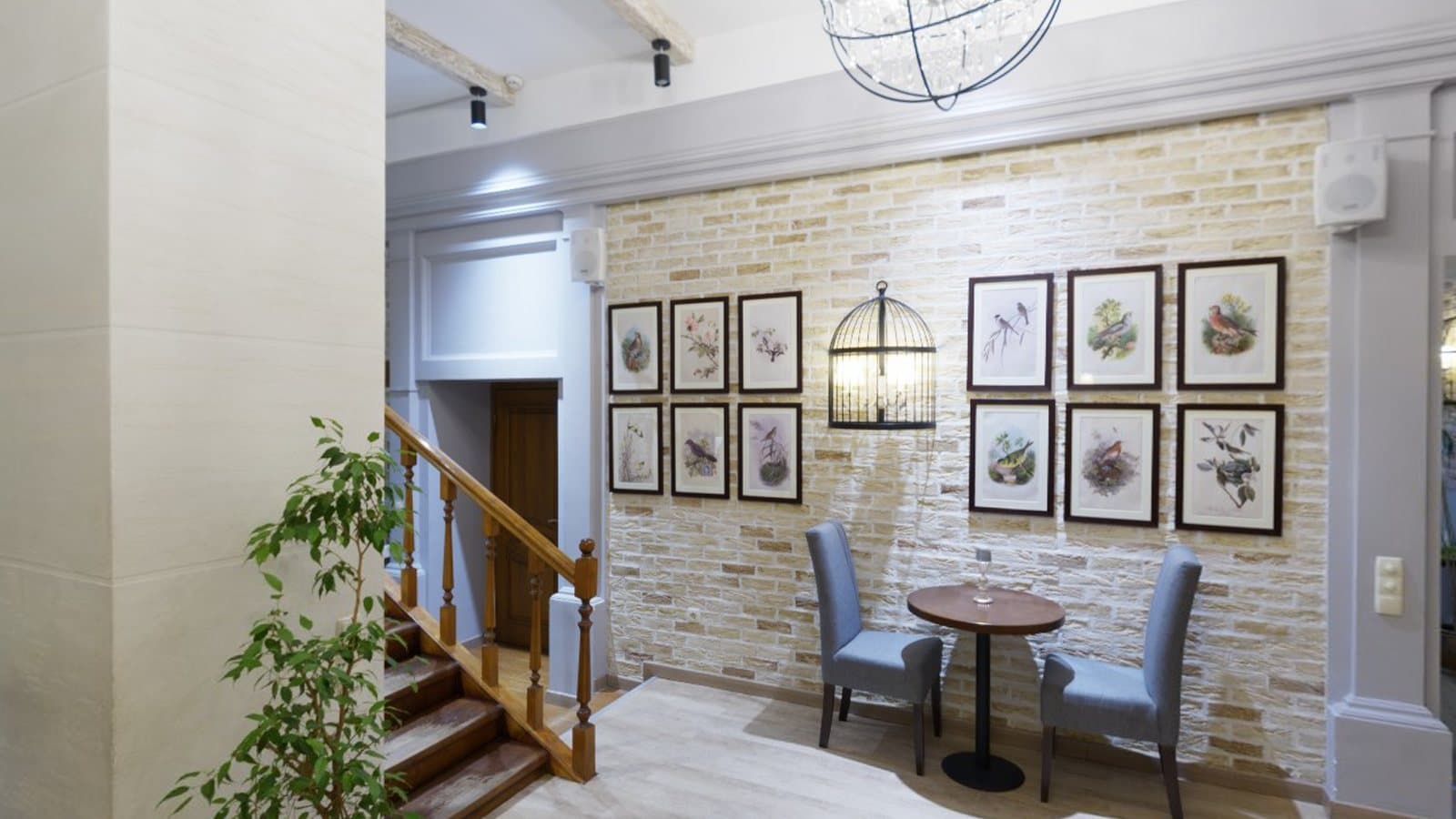
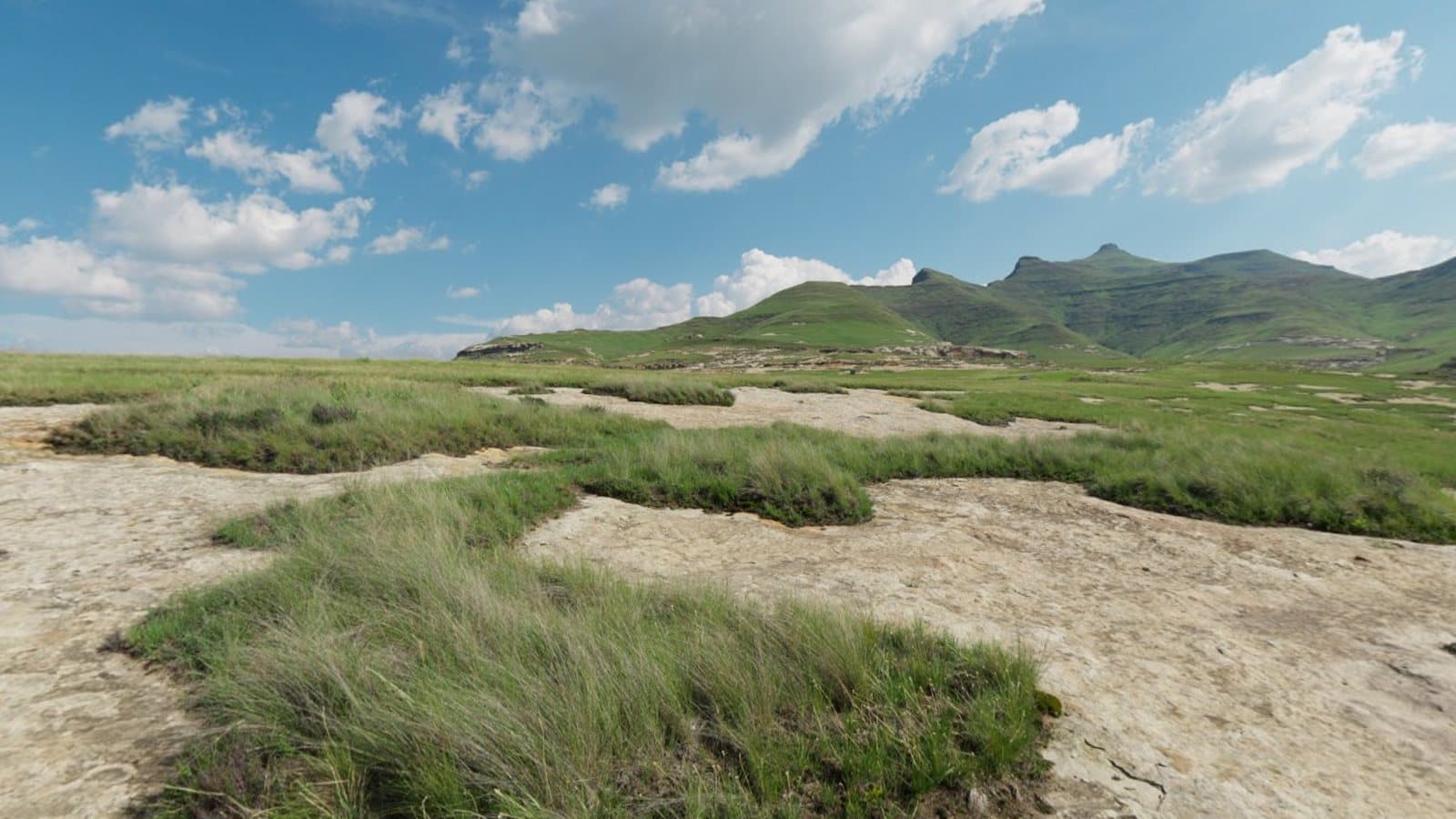
Photography on this page is sample imagery (CC0, Poly Haven), not captured with Panorama 360.
AI Studio is separate from the camera. When it launches, its tools will use prepaid credits and will always show the cost and ask you to confirm first. Using them sends the image you choose to an AI service for processing.
Prices for credit packs and subscriptions will be announced at launch. We don't publish prices until they are final.
Details are on the features and pricing page.
Panorama 360 is an Android app for capturing guided panoramas with your phone: horizontal 360° panoramas and complete 360° × 180° spheres. It stitches the photos on your device and includes a viewer, a basic editor and export.
Not yet. Panorama 360 is coming soon to Android and isn't on Google Play at the moment. This page will link to the store listing once it is published.
Yes. The app guides you through a series of overlapping photos using your phone's camera and motion sensors, then combines them into one wide image. Results depend on your phone, the lighting and how steadily you turn.
A panorama covers a wide horizontal sweep. A horizontal 360° panorama goes all the way around you but shows only a band of the view. A full spherical panorama covers 360° horizontally and 180° vertically, including floor and ceiling. Panorama 360 only labels an image as a full sphere when the whole sphere was covered.
Not to get started. A phone can capture panoramas and spheres by taking many photos. A dedicated 360° camera captures everything at once, which helps with moving subjects and speed. Which is better depends on your scene and your standards.
Yes. The app exports JPEG files that include Google's spherical panorama metadata so compatible viewers can show them as 360° images. Free exports are capped at 4096 pixels wide and carry a small Panorama 360 mark; paid plans remove those limits.
AI tools are planned and are not yet launched. They are optional and separate from capturing and viewing panoramas. When they launch, using them will send the image you choose to an AI service, and the app will say so before you confirm.
A set of 360° scenes linked by hotspots you place yourself, plus optional information points. You build it in the app, preview it on your phone and keep it there. Nothing is uploaded unless you choose to publish.
Hosted links and QR codes are built into the app but depend on a hosting service that is not switched on yet, so they are not available today. We will say so here when they are. In the meantime, Studio can export a tour package that you host on your own website.
No. Building tours on your phone is free of any new subscription. Hosting is planned as a separate prepaid balance with a stated period, limits and what happens when it ends, and your tour on your phone is never deleted when hosting ends. Prices have not been announced.
Yes, when they launch. AI operations use prepaid credits, the cost is shown before you confirm, and credits are returned if an operation fails. Basic camera features don't use credits.
The app is built for Android 10 or later and needs a back camera and motion sensors (rotation sensing). Not every phone behaves the same way, so we can't promise identical results on every device.
Join the waitlist at the bottom of this page and we'll email you when the app launches. Our guides on the blog show how to prepare for your first panorama.
Choose a capture mode, turn on the spot, overlap each photo by about a third and let the app stitch them. Here is the full workflow and how to avoid the usual problems.
5 min read
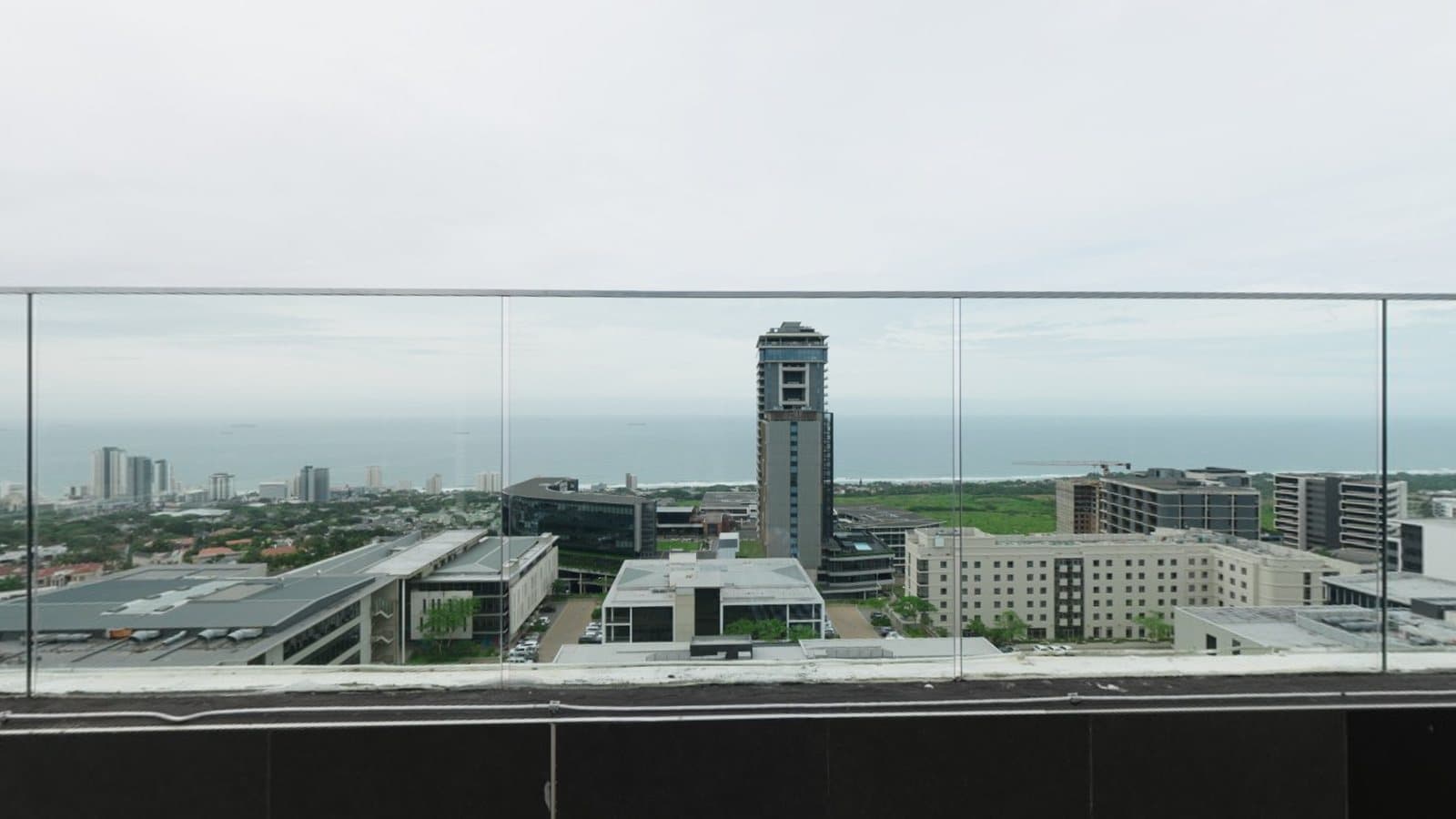
Not every wide image is a 360° photo, and not every 360° photo is a sphere. Here is how the formats differ and how to choose between them.
5 min read
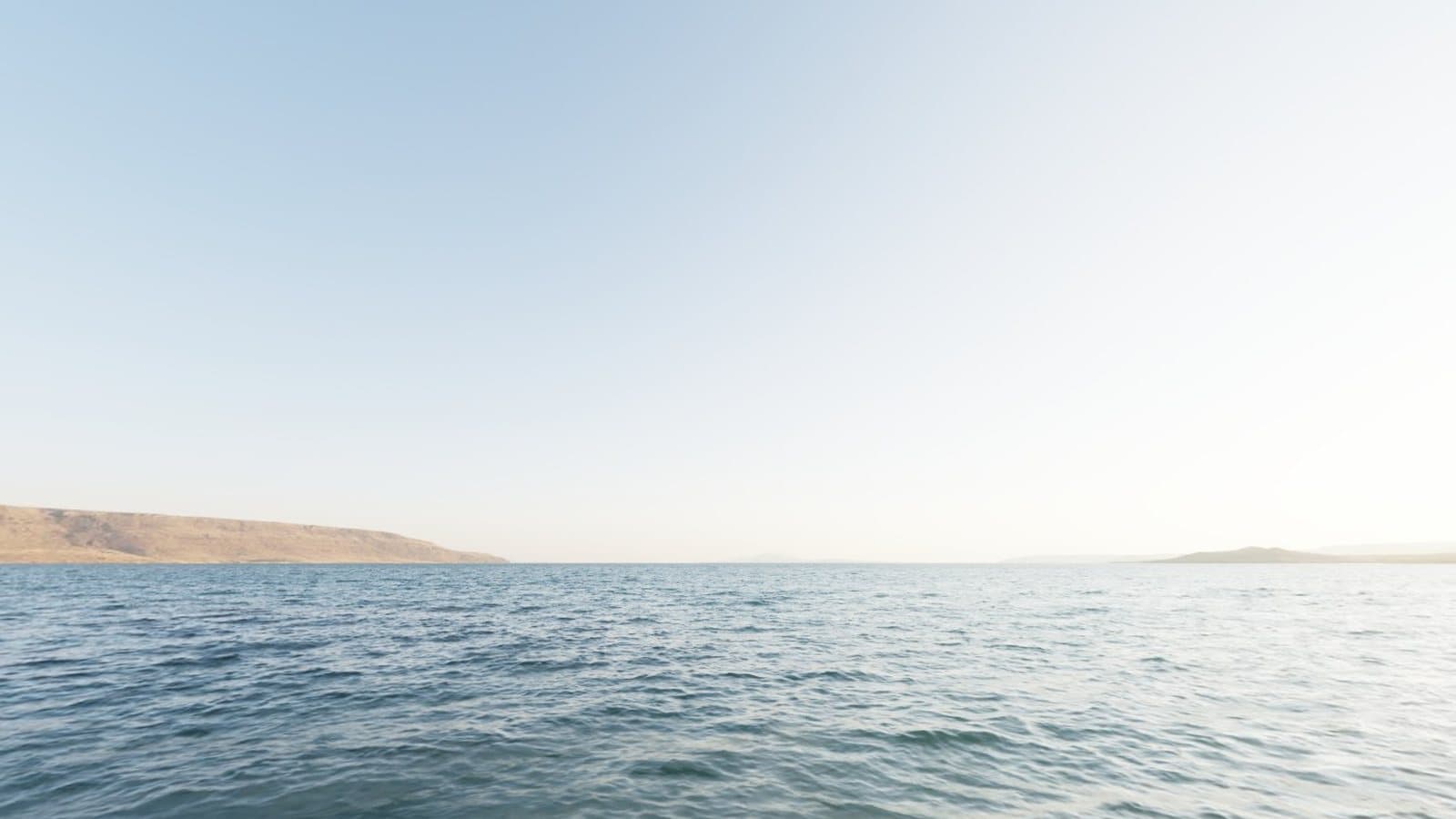
Twelve specific habits that make panoramas sharper, better aligned and easier to stitch, from how you stand to how you export.
5 min read
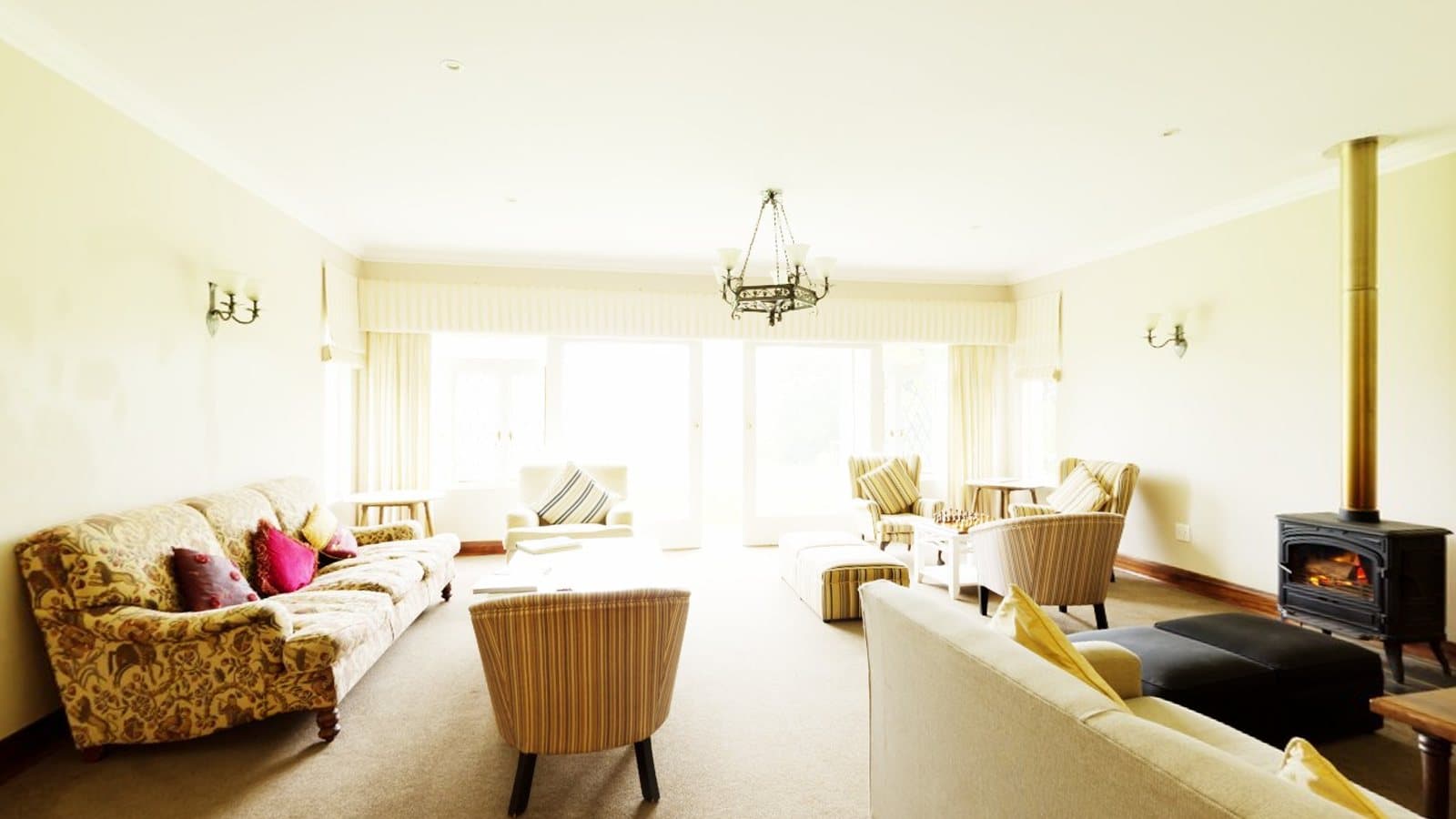
From staging a room to handling windows and mirrors, here is how to capture honest, usable 360° photos for property listings with a phone.
5 min read
Discover a new way to capture panoramic photography with your Android phone.