
Smartphone 360° Photography
How to do 360° photography with a phone: what you need, how to move, overlap and lighting, common mistakes and where Panorama 360 fits into the workflow.
Panorama 360 isn't on Google Play yet.
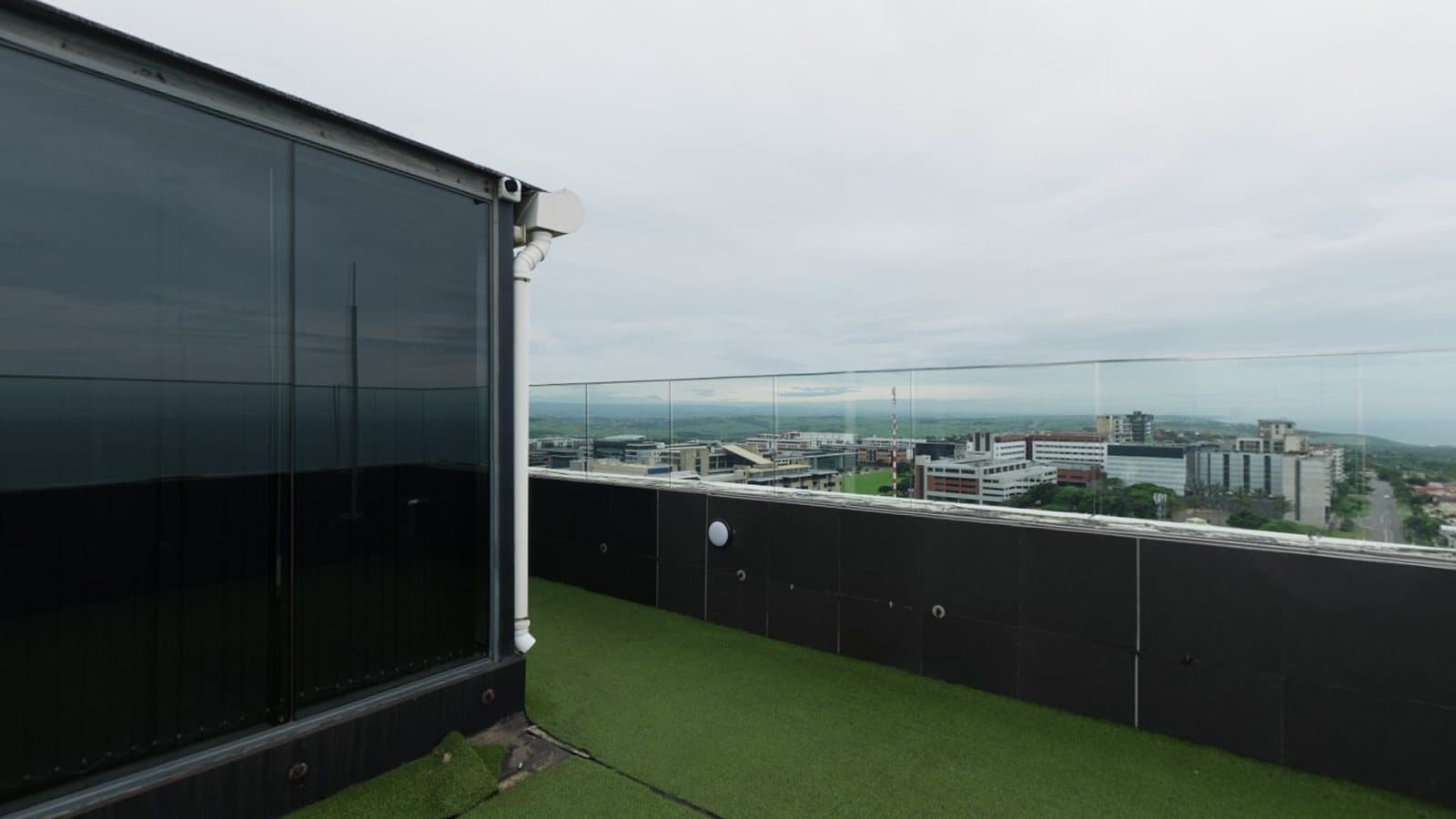
You do not need a dedicated 360° camera to photograph the world around you. A modern phone camera can capture a full panorama by taking a set of overlapping photos, and software joins them. The trade-off is time and technique: a phone sees a small slice of the scene at once, so the quality of your result depends on how you move. This page covers the basics of phone-based 360° photography and where Panorama 360 helps.
Panorama 360 is coming soon to Android and is not on Google Play yet.
What you need
At minimum: a phone with a back camera and motion sensors, enough battery and storage, and a clean lens. Panorama 360 is built for Android 10 or later. Optional extras:
- A tripod or monopod keeps the phone at one height and position.
- A panoramic head lets you rotate around the camera's optical centre, which reduces parallax. This is an advanced accessory and not required.
- A microfibre cloth for the lens. Smudges cause haze that shows up across a whole panorama.
Moving the camera correctly
The most important habit is to rotate around the phone, not to carry the phone around you. When the camera shifts sideways, near objects move relative to far ones, an effect called parallax, and the stitcher cannot make both line up. Stand with your feet planted, keep your arms close to your body and turn your whole body. A tripod makes this easy.
Keep the phone upright. Tilting it up or down as you turn gradually twists the horizon. Panorama 360 shows a level indicator, and in automatic mode it waits until the phone is roughly level before it takes the first photo.
Overlap and alignment
Stitching works by finding the same details in neighbouring photos, so photos need to overlap. The app aims for about 30 percent overlap and adjusts the number of photos to your lens. Overlap that is too small leaves nothing to match; far more than needed wastes time but rarely harms the result. The map on screen shows which areas you have covered.
Lighting and exposure
Cameras adjust exposure automatically. During a turn that can mean the camera brightens when it looks at a dark corner and darkens near a window, so the photos no longer match. Panorama 360 keeps exposure steady after the first photo to reduce this, and balances brightness between photos when stitching. The hardest cases are still very bright windows next to dark rooms. Shoot when light is soft and even if you can, or switch on interior lamps to narrow the gap.
Indoor and outdoor scenes
Indoors, distances are short, so parallax and movement matter more. Stand in the middle, keep furniture away from the camera and avoid mirrors. Outdoors, most of the scene is far away, which makes stitching easier, but wind, clouds, people and vehicles move between shots. Clouds that change shape between the first and last photo can leave a visible seam in the sky.
Common mistakes
- Walking in a circle instead of turning on the spot.
- Starting with the phone tilted.
- Moving too quickly, which causes blur.
- Letting people walk through the overlap areas.
- Stopping early and leaving gaps.
Our detailed lists are in 10 common panorama photography mistakes and 12 practical panoramic photography tips.
How Panorama 360 fits in
Panorama 360 turns these habits into on-screen guidance: markers for where to point, a level indicator, automatic capture when you hold still and a coverage map. After capture it stitches on your phone, lets you review and lightly edit the result and exports a JPEG with spherical metadata. The two modes, horizontal 360° and full sphere, are described on the 360° panorama camera app page, and the spherical 360° panorama page explains what a complete sphere requires. For a start-to-finish walkthrough, see how to take a 360° panorama photo with your phone.
Honest limits
Phone capture is slower and less precise than a dedicated 360° camera, particularly for moving scenes. Results vary between phones because lenses and sensors differ. A handheld full sphere takes patience, and you may need to retake a few photos. Treat the first few panoramas as practice.
Frequently asked questions
Can I really take 360° photos with just a phone?
Yes, by taking many overlapping photos and stitching them. It takes more time than a dedicated 360° camera and needs steady technique, but it works without extra hardware.
Do I need extra equipment?
No. A tripod or a panoramic head can help but are optional. A phone with a back camera and motion sensors is the minimum for Panorama 360.
Why are my panoramas misaligned?
The usual causes are moving the phone sideways instead of rotating it, too little overlap, moving subjects and changing exposure between photos.
How long does a full sphere take?
In Panorama 360 a full sphere is usually about 25 to 35 photos, which takes a few minutes plus stitching time. A horizontal 360° is quicker.
Keep reading
- 5 min readHow to Take a 360° Panorama Photo with Your PhoneChoose a capture mode, turn on the spot, overlap each photo by about a third and let the app stitch them. Here is the full workflow and how to avoid the usual problems.
- 5 min readHow to Take Better Panoramic Photos: 12 Practical TipsTwelve specific habits that make panoramas sharper, better aligned and easier to stitch, from how you stand to how you export.
- 5 min read10 Common Panorama Photography Mistakes and How to Fix ThemOverlap, movement, exposure, parallax, gaps: ten mistakes that ruin panoramas, why they happen and how to fix each one.
360° Panorama Camera AppPanorama Camera AppSpherical 360° Panoramas